
|
|

Free SignUp 50 $ Click Here!!!
|
|
||||||
| Install Driver DataLink USB Motolora WinXP | ||||||
| ( Solution eror USB Composite Device WinXP ) | ||||||
| 1. Do'nt connect USB with phone | ||||||
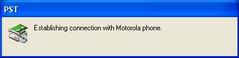
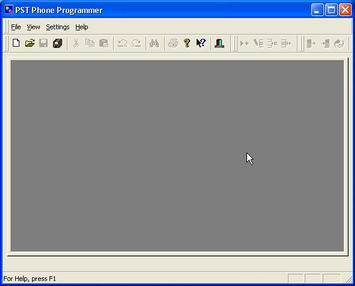
| 2. Run PST programe and wait 5 second | ||||||
| 3. PST programe is running and detect datalink driver | ||||||
 |
||||||
 |
||||||
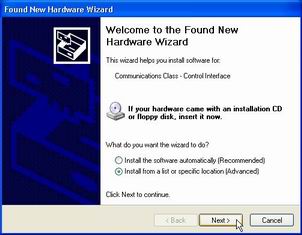
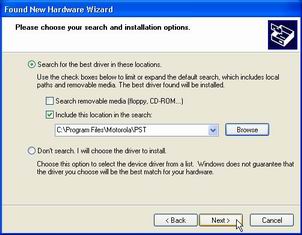
| 4. Now you connect USB data cable to c350 and Computer. Computer found New Hardware. Select Advance install and click Next | ||||||
 |
||||||
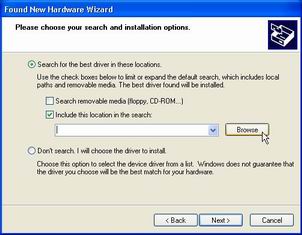
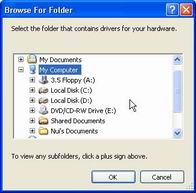
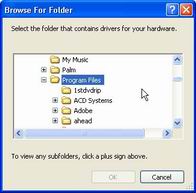
| 5. Select Include this location...and click Browse | ||||||
 |
||||||
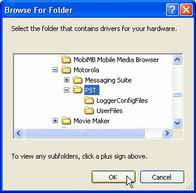
| 6. To search folder C:\Programe files\Motolora\Pst and OK | ||||||
 |
||||||
 |
||||||
 |
||||||
 |
||||||
| 7. Now computer to start install Driver | ||||||
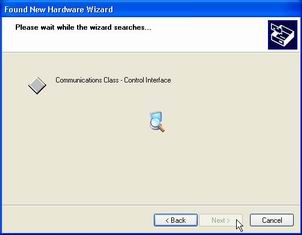 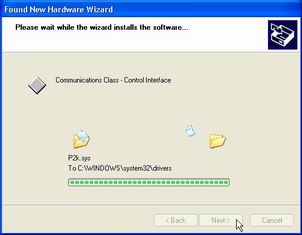 |
||||||
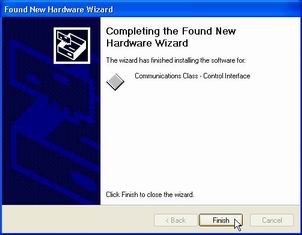 |
||||||
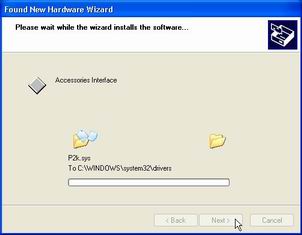
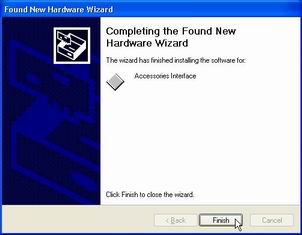
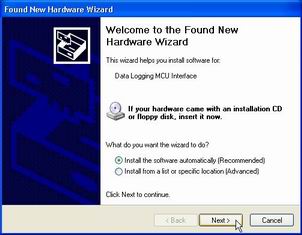
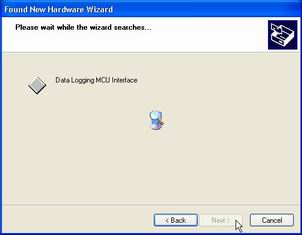
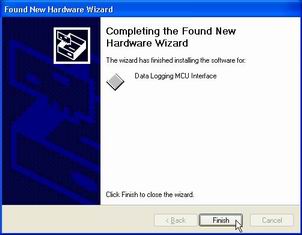
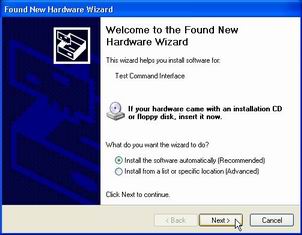
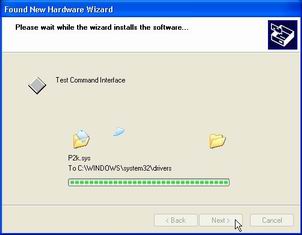
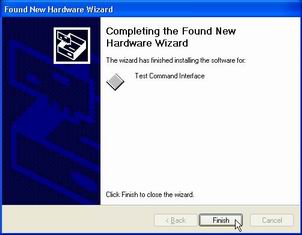
| 8.then computer Found New Hardware again. you click Next all to finish ( follow picture below ) | ||||||
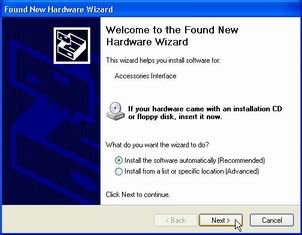 |
||||||
 |
||||||
 |
||||||
 |
||||||
 |
||||||
 |
||||||
 |
||||||
  |
||||||
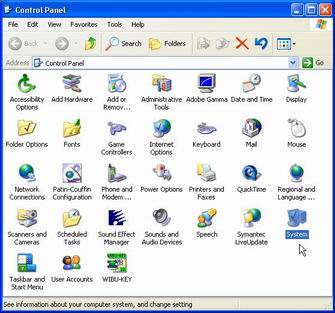
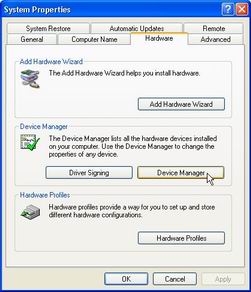
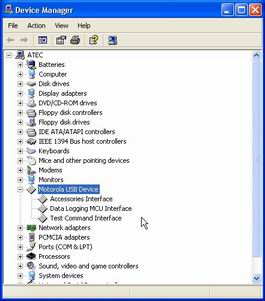
| 9. Complete check. you can see Control panel > system > Hardware ( picture below ) | ||||||
 |
||||||
 |
||||||
 |
||||||
| Finish. have fun. | ||||||
| ( Solution eror USB Composite Device WinXP ) | ||||||
|
|